UUNA TEK
iDraw H A3 펜 플로터 드로잉 로봇 펜 플로터 드로잉 머신, 다른 제품보다 300% 더 빠름
공유
픽업 사용 가능 여부를 로드할 수 없습니다.
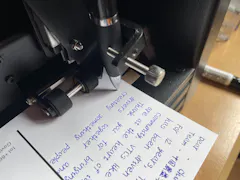
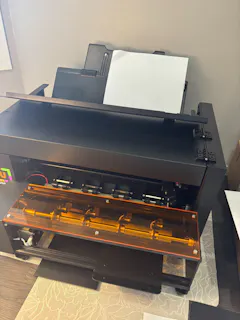
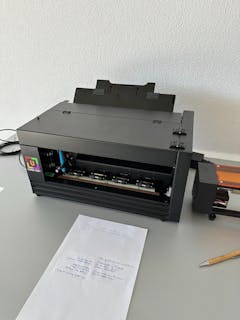
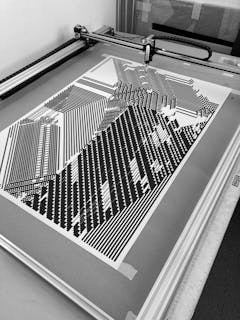
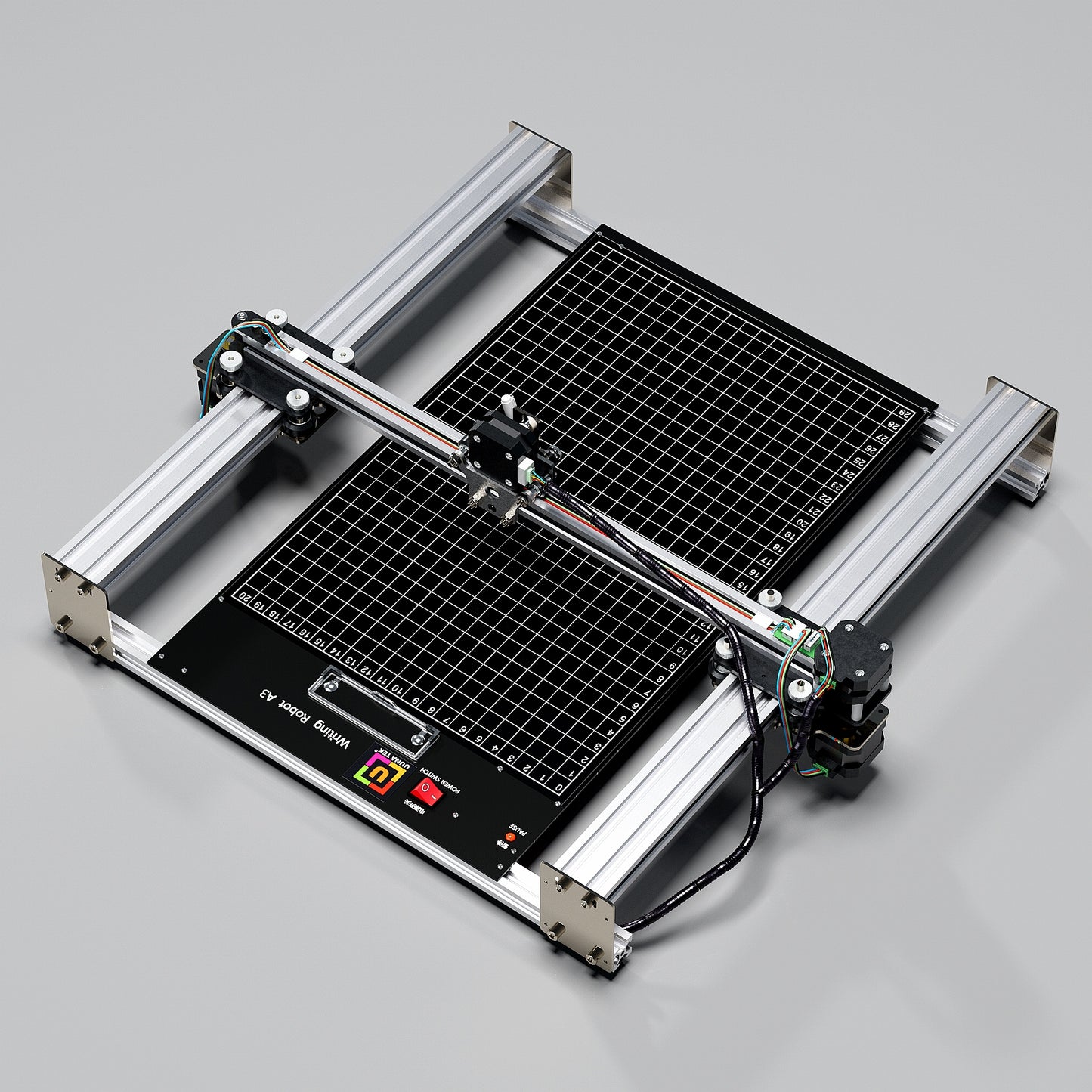
UUNA TEK의 iDraw H A3 펜 플로터 드로잉 로봇 펜 플로터 드로잉 머신 필기구 서명기로 창의적인 프로젝트를 한 단계 업그레이드하세요. 정밀도와 속도에서 새로운 기준을 제시하도록 설계된 이 제품은 세계에서 가장 빠른 필기구로, 동급 제품 대비 300% 향상된 속도를 자랑하며, 최고의 성능을 추구하는 예술가, 전문가 및 애호가에게 최적의 선택입니다.

Shipping, Warranty & Support
Free Worldwide Shipping
Delivered anywhere in the world at no extra cost.
30-Day Easy Returns
Hassle-free returns or exchanges within 30 days.
Lifetime Care Guarantee
Support for your machine for its entire lifetime.
Dedicated Customer Support
Help available via email, chat, or Zoom.
Free Personal Training
Learn to set up and use your machine easily.
주요 기능
-
이메일 병합 및 허시 폰트 지원으로 간편한 대량 작성
모든 UUNA TEK iDraw 펜 플로터는 편지, 봉투, 카드 및 초대장의 대량 작성을 위한 이메일 병합 기능을 지원합니다. 허시 폰트(Hershey Fonts)를 활용하여 사람처럼 자연스러운 필기체를 구현할 수 있습니다.
-
비교 불가한 속도 - 타 제품 대비 3배 빠름
UUNA TEK H 버전은 최대 12,000MM/분의 필기 속도로 업계 판도를 바꾸며 경쟁 제품들을 압도적으로 앞섭니다.
-
최첨단 기술
Drawcore V2.0 메인보드로 구동되며 GRBL 호환 펌웨어가 탑재되어 혁신의 정점을 보여줍니다.
-
정밀도의 재정의
X축과 Y축 모두 최소 분해능 0.01mm로 정밀한 기계적 정밀도를 구현하여, 당신의 창작물이 미세한 디테일까지 정확하게 완성되도록 보장합니다.
-
다기능 레이저 조각
500mW부터 15W까지 다양한 출력 옵션의 레이저 헤드를 선택할 수 있으며, 나무, 플라스틱은 물론 가죽과 종이까지 다양한 소재에 조각 작업을 진행할 수 있습니다.
-
직관적인 조작
UUNA TEK 2.0 컨트롤 추가 기능을 통해 출력률, 조각 속도 및 입력 형식을 원활하게 관리하세요.
-
사용자 친화적인 연결성
USB 또는 블루투스를 통해 연결할 수 있으며, Windows 7/8/10/11 이상 버전, Mac OS, Linux 등 다양한 운영체제에서 유연하게 사용 가능합니다.
축소 가능한 콘텐츠
사양
- 메인보드: Drawcore V2.0
- 펌웨어: GRBL 호환 가능
- 부가 기능: UUNA TEK 2.0 제어
- 프레임 소재: 알루미늄 프로파일 + 강판
- 작업 영역: 420*297mm
- 모터: 4개 42스테퍼 모터
- 기계 정밀도: Y축:0.01mm, X축:0.01mm
- 레이저 출력: 500mW/1600mW/2500mW
- 조각 영역: 420*297mm
- 파장: 445±5nm
- 초점 방식: 고정 초점
- 제어 방식: PWM
- 출력 등급: S0~S1,000
- 조각 속도: 0~5,000mm/분
- 필기 속도: 0~12,000mm/분
- 보드 레이트: 115200~921600 (기본값: 115200)
- 입력 형식: JPG, JPEG, PNG, BMP, SVG 등
- 입력 전압: 110V~220V (호환 가능)
- 전원 어댑터 출력: 12V / 1A
- 작동 온도: -20℃~50℃
- 제품 크기: 525*570*160mm
- 순중량: 4~5kg
- 리미트 스위치: 지원(Y)
- 펜 각도 조절 범위: 70~90도
- 연결 방식: USB, 블루투스
- 지원 운영체제 및 소프트웨어: Windows 7/8/10/11 이상(Inkscape 사용), Mac OS (필기 및 드로잉용 Inkscape, 레이저 조각용 Lightburn), Linux
포장 목록
1개 UUNA TEK iDraw H A3 펜 플로터
*1개 A3 베이스 플레이트(옵션)
1개 툴 키트
1개 빠른 시작 가이드
1개 감사 카드
소프트웨어
여기서 Inkscape 소프트웨어 및 관련 추가 파일을 다운로드하세요>>>
Windows, Mac, Linux용 소프트웨어는 물론 하드웨어 조립 가이드와 소프트웨어 설치 관련 상세 내용을 확인하실 수 있습니다.
고급 기능이 필요하신 분은 다음을 참고하세요:
1. 플로터 파일 저장 기능이 필요하신 분은 이 버전을 다운로드하세요>>>
2. 메일 병합 기능이 필요하신 분
Windows: 이 버전을 다운로드하세요>>>
Mac 또는 Linux: 이 버전을 다운로드하세요>>>
3. 레이저 기능이 필요하신 분은 이 버전을 다운로드하세요>>>
4. 프로그래밍 기초 지식이 있고 기본 파라미터를 수정해 속도 제한을 해제하고 싶으신가요? 이 버전을 다운로드하세요>>>
튜토리얼
UUNA TEK 1.0 펜 플로터 관련 영상 튜토리얼은 여기를 확인하세요>>>
UUNA TEK 2.0 펜 플로터 관련 영상 튜토리얼은 여기를 확인하세요>>>
UUNA TEK H 펜 플로터 관련 영상 튜토리얼은 여기를 확인하세요>>>
소프트웨어 관련 영상은 여기를 확인하세요>>>
레이저 기능 관련 영상 튜토리얼은 여기를 확인하세요>>>
정책
배송 정책: 모든 주문은 영업시간 기준 48시간 이내에 처리됩니다. 모든 패키지는 중국 창고 또는 아마존 창고에서 DHL/UPS/USPS로 발송되며, 목적지까지 영업일 기준 5~7일이 소요됩니다. 판매 시즌에는 배송 지연이 발생할 수 있습니다. 전체 정책은 여기에서 확인하세요>>>
반품 정책: 모든 제품에 1년 품질 보증을 제공합니다. 배송 중 제품 품질 불량 또는 파손의 경우에만 무료 반품 및 환불이 가능합니다. 반품 전 support@uunatek.com으로 문의해 주시기 바랍니다. 전체 정책은 여기에서 확인하세요>>>
| iDraw H vs iDraw H SE – Comparison Table | ||
|---|---|---|
| Feature | iDraw H | iDraw H SE |
| Motherboard | Drawcore V2.0 | Drawcore V3.0 |
| Firmware | GRBL Compatible | GRBL Compatible |
| Software Support | Inkscape Writing, Inkscape Drawing, Lightburn for Laser | Full AxiDraw Functions + Python API + CLI |
| Connectivity | USB, Bluetooth | USB |
| Working Area | 420 × 297 mm (A3); A2/A1/A0 options available | 297 × 210 mm (A4) |
| Mechanical Precision | X/Y: 0.01 mm | X/Y: 0.01 mm |
| Writing Speed | Up to 12,000 mm/min | Up to 12,000 mm/min |
| Engraving Speed | 0–5,000 mm/min | 0–5,000 mm/min |
| Laser Power Options | 0.5W / 1.6W / 2.5W / 10W / 15W | N/A |
| Frame Material | Aluminum + Steel Plate | Aluminum |
| Pen Angle Adjustability | 70–90° | 70–90° |
| Supported OS | Windows, Mac, Linux | Windows, Mac, Linux |
| Input Formats | SVG, PNG, JPG, JPEG, BMP | SVG, PNG, JPG, JPEG, BMP |
| Power Adapter Output | 12V / 1A | 12V / 1A |
| Operating Temperature | -20°C to 50°C | -20°C to 50°C |
자주 묻는 질문
자동 홈 기능이 제대로 작동하지 않는 이유는 무엇인가요?
Auto Home 사용 팁입니다.
1. 접점 스위치 케이블이 올바르게 연결되었는지 확인하세요. 안내 영상 참고:https://www.youtube.com/watch?v=5B4nb2k6eAc
2. X축 트롤리를 수동으로 왼쪽 끝까지 이동시킨 후, X축 접점 스위치에 닿는지 확인하세요.
3. Y축 트롤리를 수동으로 뒤쪽 끝까지 이동시킨 후, Y축 접점 스위치에 닿는지 확인하세요.
4. XY축 트롤리에 케이블이 걸리지 않도록 케이블을 정리하세요. Z축 케이블 정리 안내 영상 참고:https://www.youtube.com/watch?v=LTwPYPh3rdE
빨간색 버튼을 눌러 기기가 정지했을 때 어떻게 해야 하나요? 작업을 재개할 수 있나요?
네, 빨간색 비상 정지 버튼을 누른 후 작업을 재개할 수 있습니다. 버튼을 누르면 기기가 일시 정지되고 추가 지시를 기다립니다. 계속 진행하려면 다음 단계를 따르세요:
- Inkscape 소프트웨어를 실행합니다.
- 확장 기능 메뉴로 이동합니다.
- 재개 섹션을 찾습니다.
- 시작 부분부터 다시 시작할지 정확히 정지한 지점부터 이어서 진행할지에 따라 홈에서 재개 또는 정지 지점에서 재개를 선택하세요.
👉 팁: 도면 겹침이나 미완성 도면이 생기지 않도록 프로젝트 진행 상황에 맞는 올바른 재개 옵션을 항상 선택하세요.
A3 사이즈를 사용하고 싶은데도 제 iDraw 펜 플로터가 215 × 300mm보다 큰 크기의 작업을 플로팅할 때 오류를 발생시키는 이유는 무엇인가요?
소프트웨어 설정에서 잘못된 모델 크기를 선택했을 때 이 현상이 주로 발생합니다. 기본적으로 소프트웨어는 더 작은 모델(예: A4)로 설정되어 있을 수 있으며, 이는 최대 플로팅 영역을 제한합니다.
해결 방법은 다음과 같습니다:
옵션 → iDraw 모델 설정 → A3 크기 선택
그 후 다시 플로팅을 시도해 주세요. 올바른 모델 크기를 선택하면 장비는 오류 없이 전체 A3 플로팅 영역을 지원하게 됩니다.
Z축은 작동 거리를 조절할 수 있나요?
네, Z축은 작업 거리를 0mm에서 10mm까지 조절할 수 있습니다.
펜 하강 시간을 제어할 수 있나요?
네, 펜 하강 시간을 제어할 수 있습니다.
이 기기는 G코드 명령어를 지원합니까?
네, G코드 명령어를 지원합니다. 메인보드 펌웨어는 GRBL과 호환됩니다.
Z축은 약 30~35g의 적재 중량(예: 직경 10mm, 길이 5cm의 고체 강철 프로브)에서 부드럽게 상승 및 가압 작동할 수 있나요?
네, 가능합니다. 해당 기기는 최대 200그램의 하중과 최대 15밀리미터의 직경을 지원합니다.
가압 시 진동을 피할 수 있을 정도로 프레임이 안정적인가요?
네, H A3의 무게는 7kg이며 충분히 안정적입니다. 작동 속도는 조절 가능합니다.
펜의 상하 이동 높이 설정 자체를 변경할 수 있나요?
기본적으로 코드는 Z축의 높이를 제한하고 있으며, 이미지와 같이 아래 설정을 조절하면 더 유연하게 사용할 수 있습니다.
1. idraw_deps>idraw2_0internal>idraw.py
self.options.pen_pos_up 및 self.options.pen_pos_down 부분의 높이 값을 기본 10에서 원하는 높이(예: 30)로 수정하세요.
이미지 1 다운로드
2. idraw2_0.inx
5.0 항목의 max="10.0" 부분을 원하는 높이로 변경하세요.
이미지 2 다운로드
I am using the plotter from last 14 days i am loving it. Plus the guide available online make it very easy for me to set up plotter quickly. A little prob i face was it took me time to find where should i start the plot from ( few trial and error i find its top right corner ) rest everything was smooth and perfect. Thanks
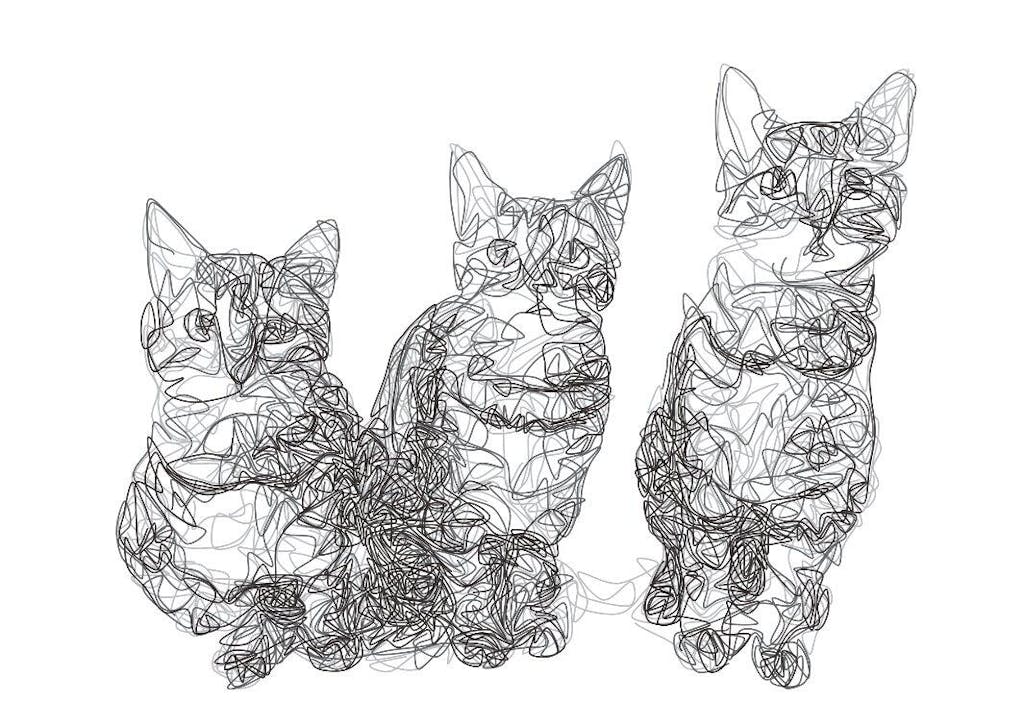
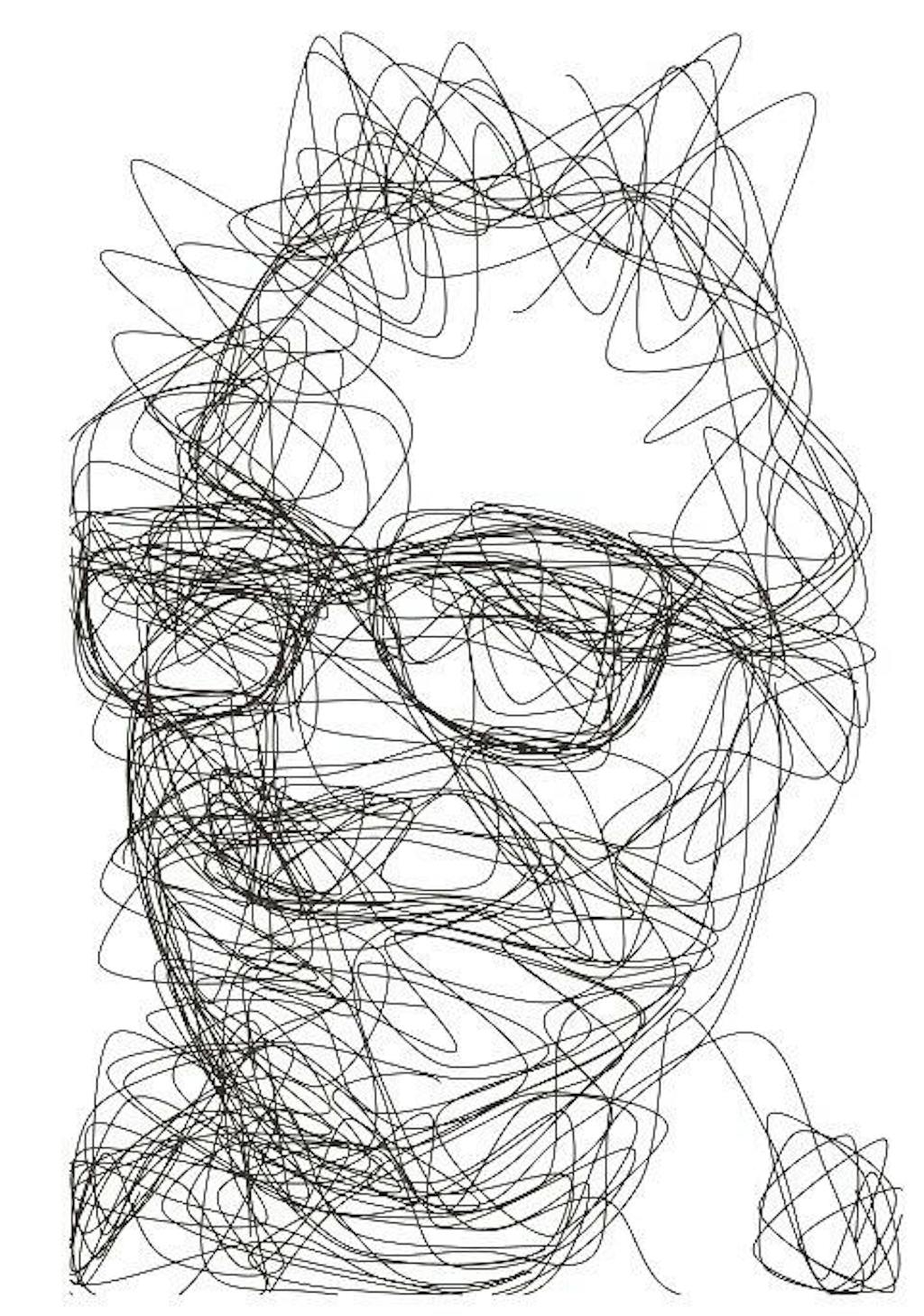
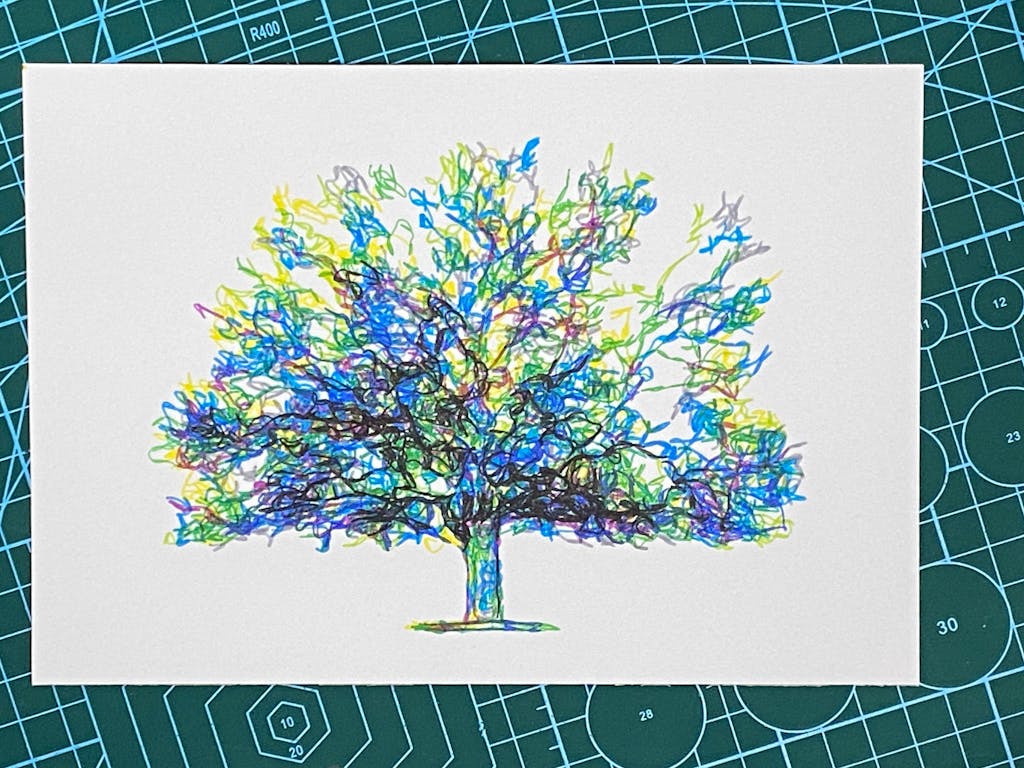
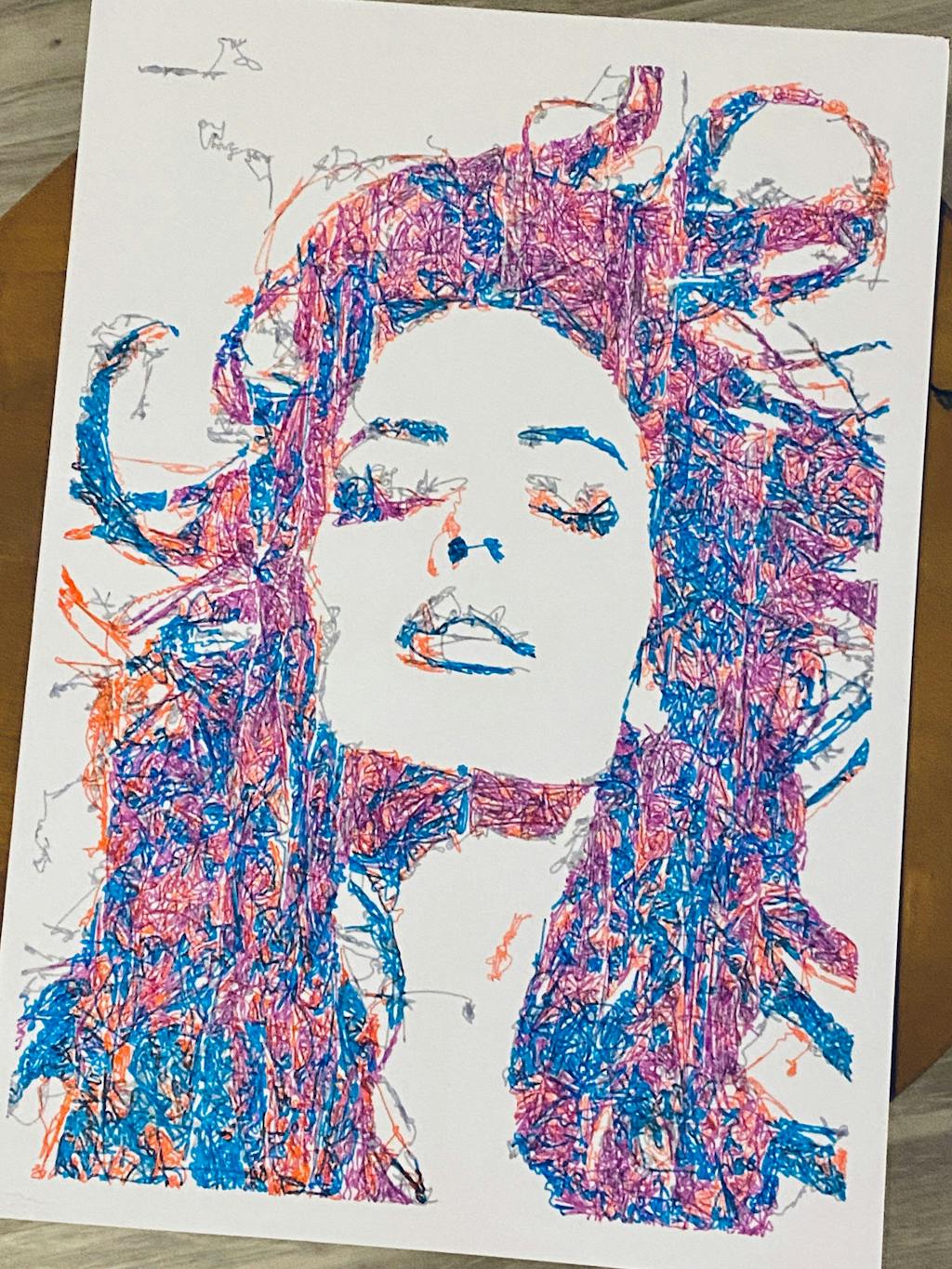
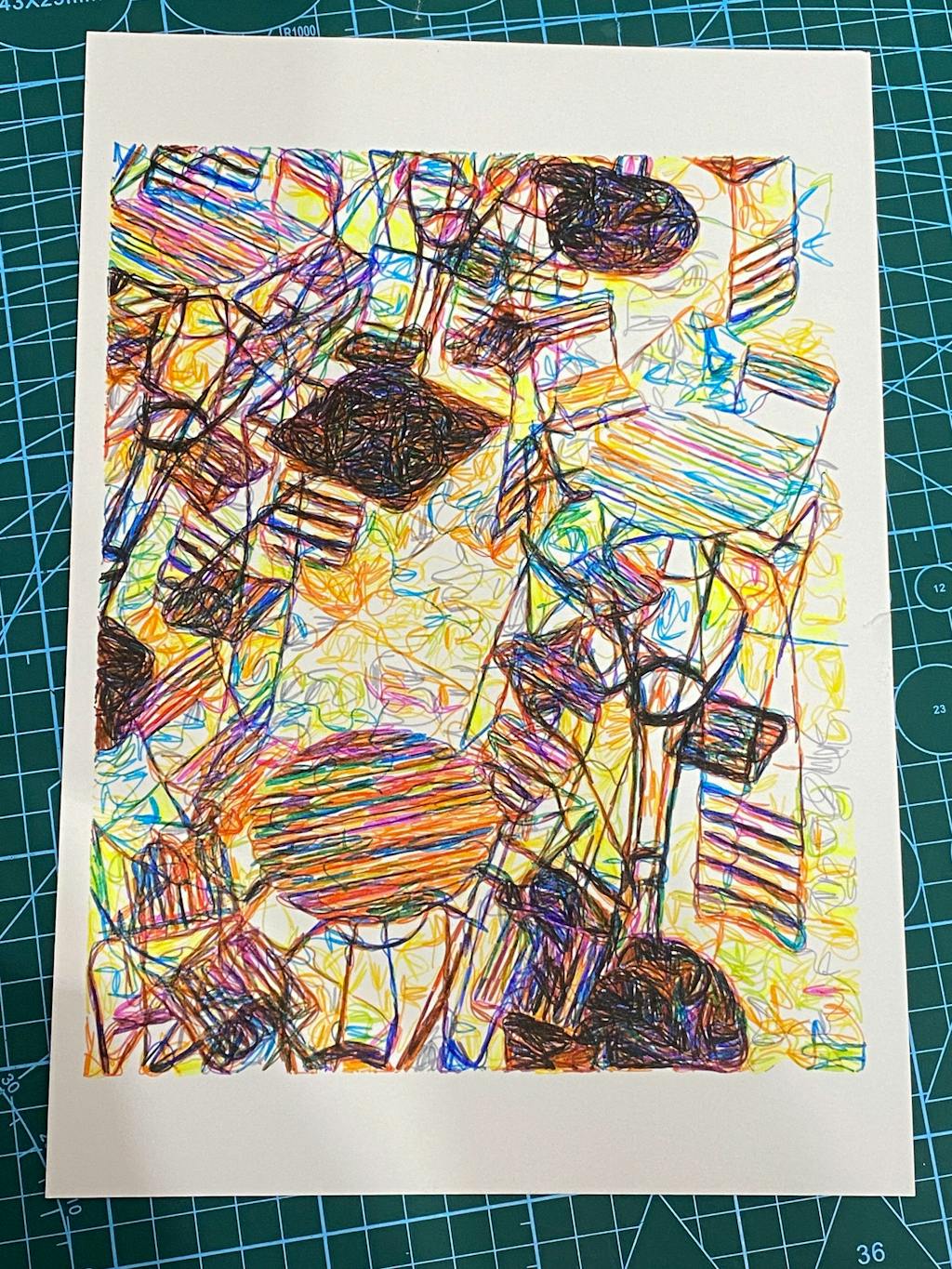
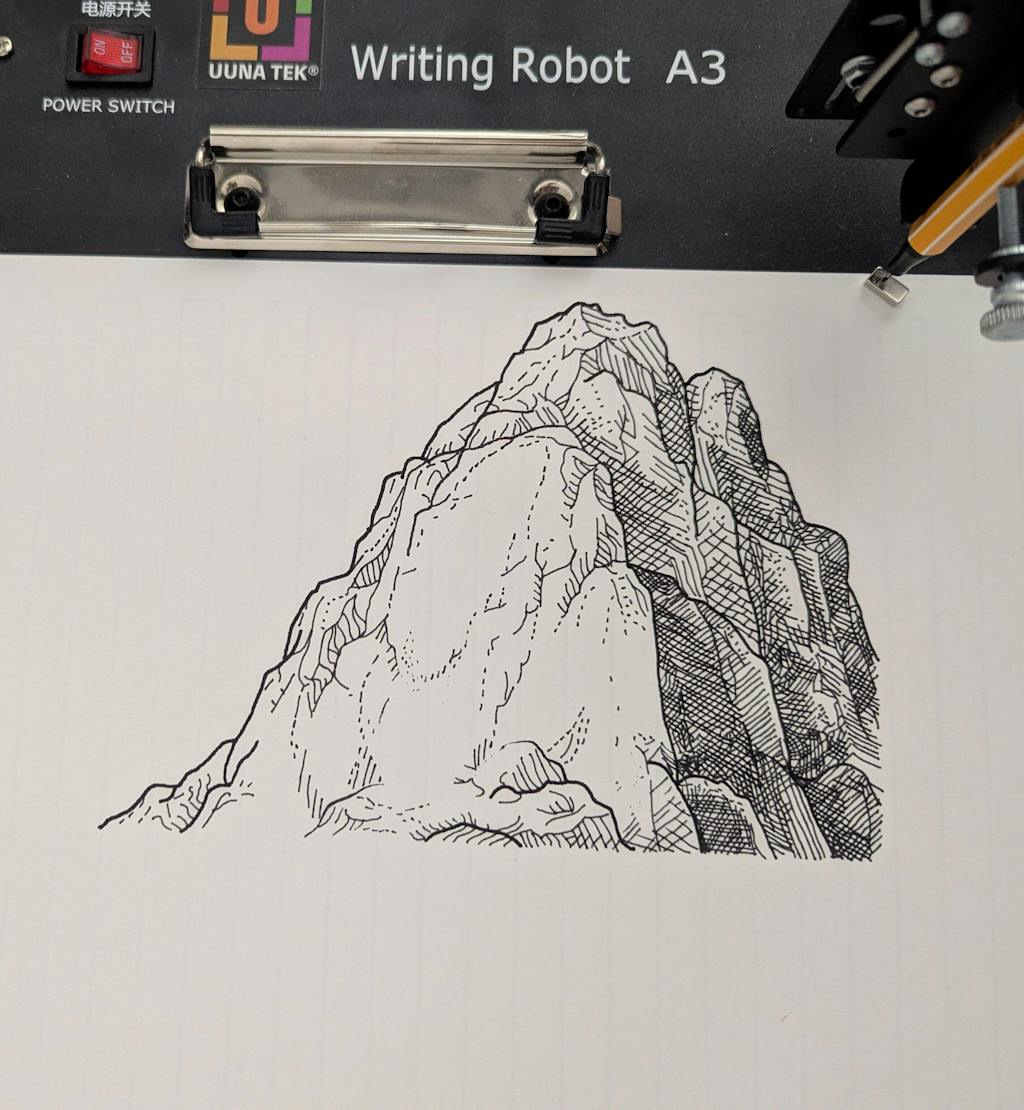
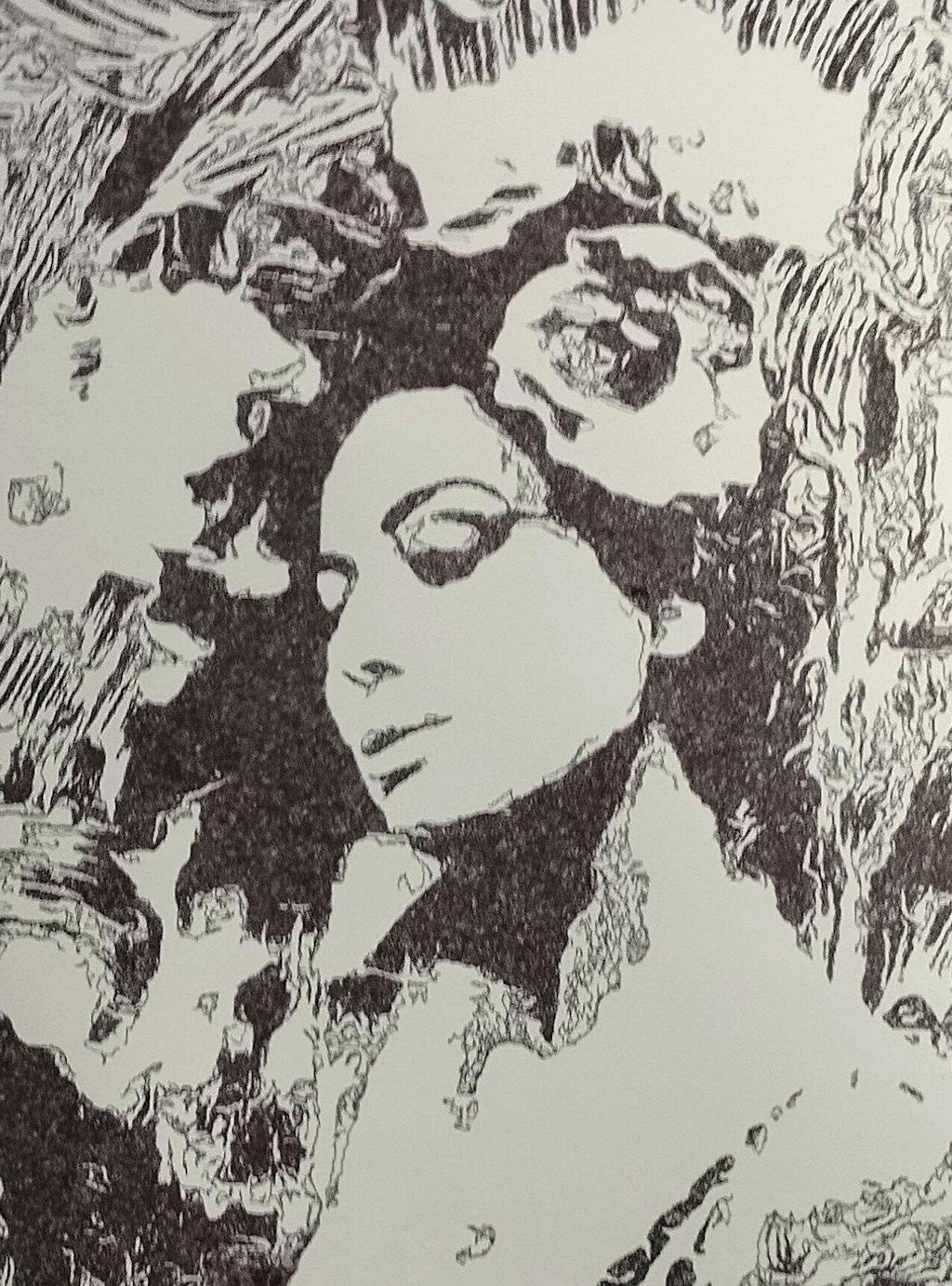
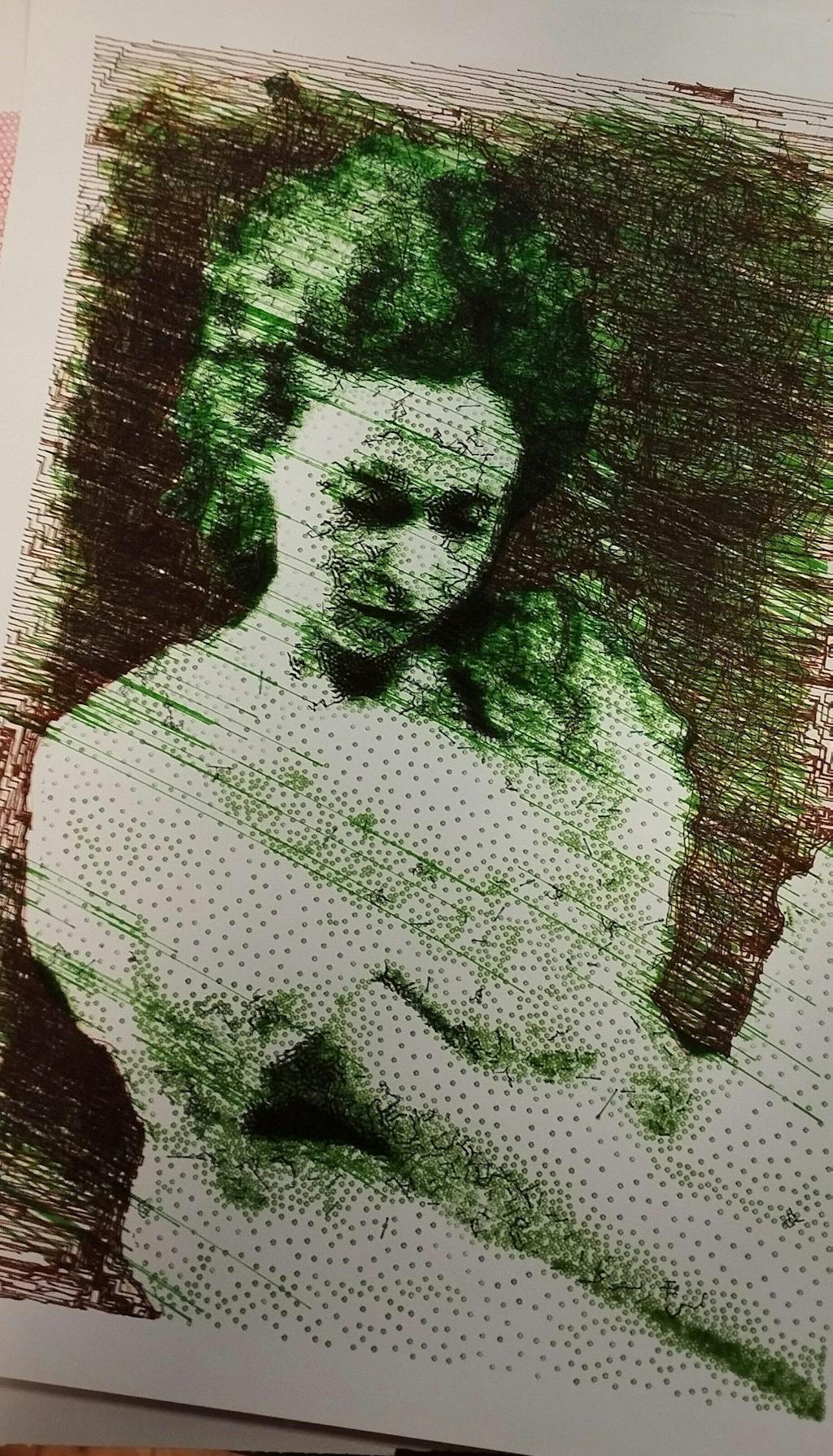
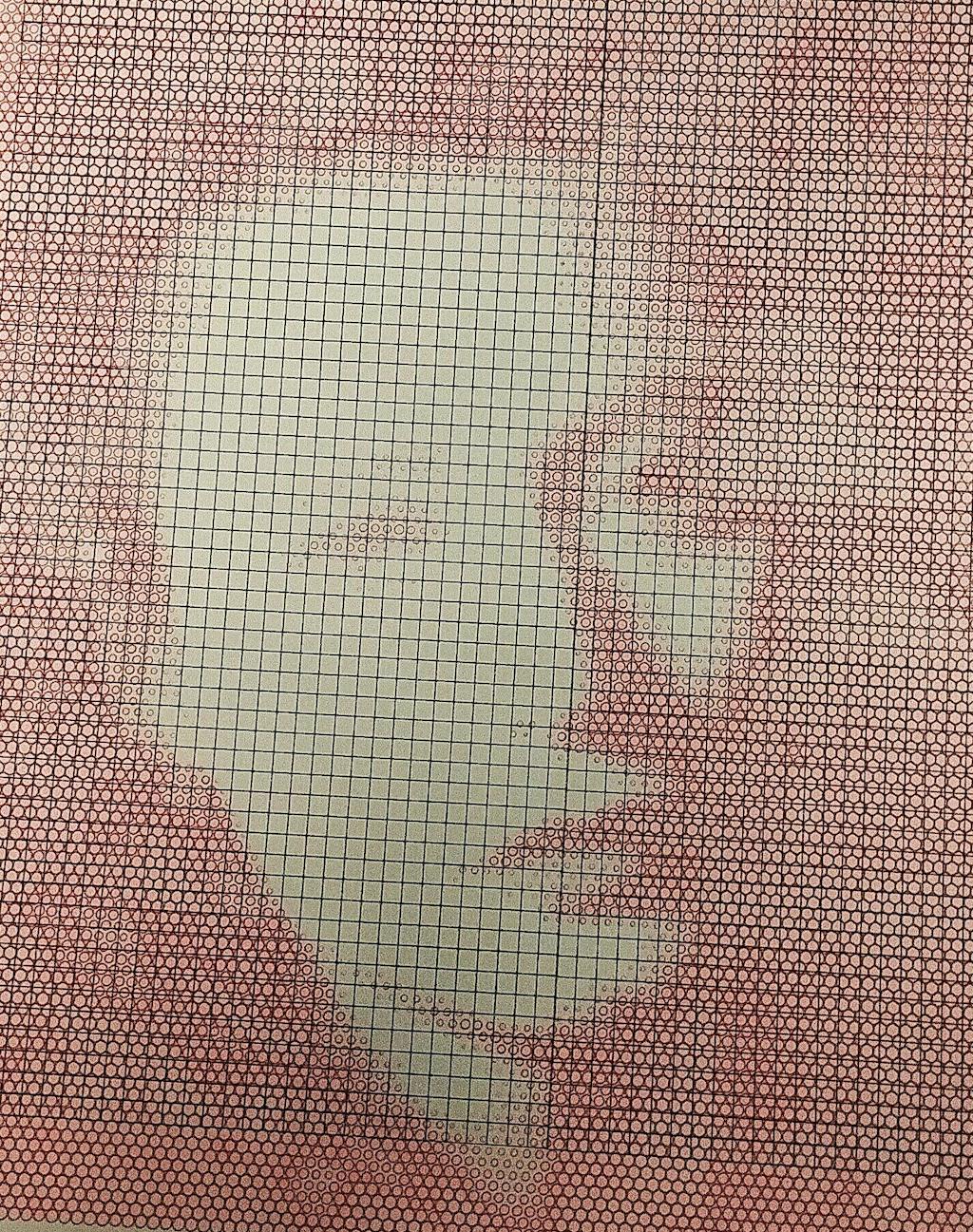
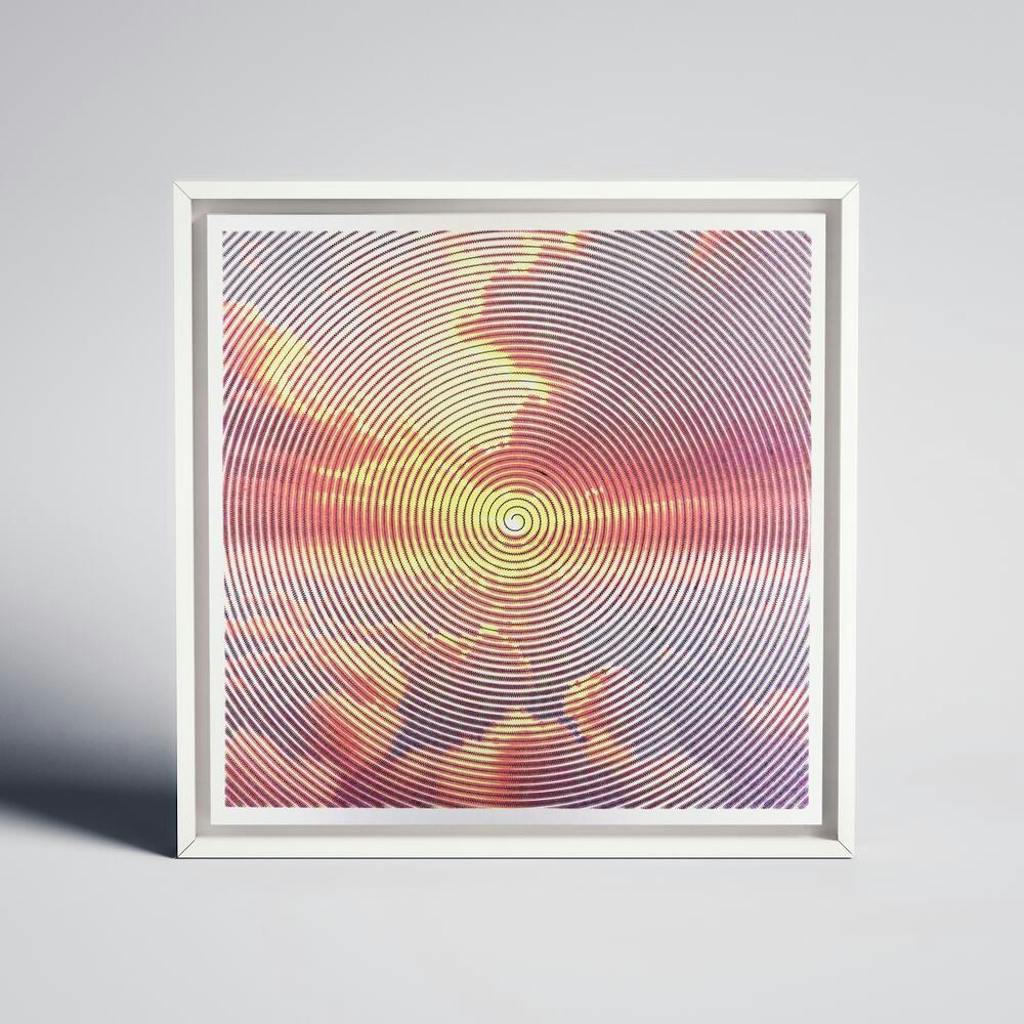
My first pen plotter the Uuna Tek H A3. I settled on this make and model after watching many videos on YouTube. Uuna Tek consistently came out looking the best so I took the plunge and pressed the buy it now button. A week later I had a large box delivered! Opening the box, it's clear the machine was well packed to withstand shipping. A "hand written" thank you card was a nice touch. Assembly was simple and straightforward. The machine is nicely designed and definitely has a quality feel to it. The software was easy to install, I used the inkscape download (with plugins pre-installed) from the Uuna Tek website. All very straightforward and simple! I've attached a couple of my first prints. I'm absolutely delighted with the machine and the quality of the plots it produces. If you, like I was, are initialising hesitating to press "buy it now" - then don't. Press that button - you won't regret it! Regards to you all from a very wet UK.
I am absolutely loving my UUNA TEK iDraw H A3 Pen Plotter! I have been using it every single day since I got it. One of the best things about it was the setup process. It was incredibly easy to assemble and get running right out of the box. The instructions were clear, and I didn't run into any issues at all.
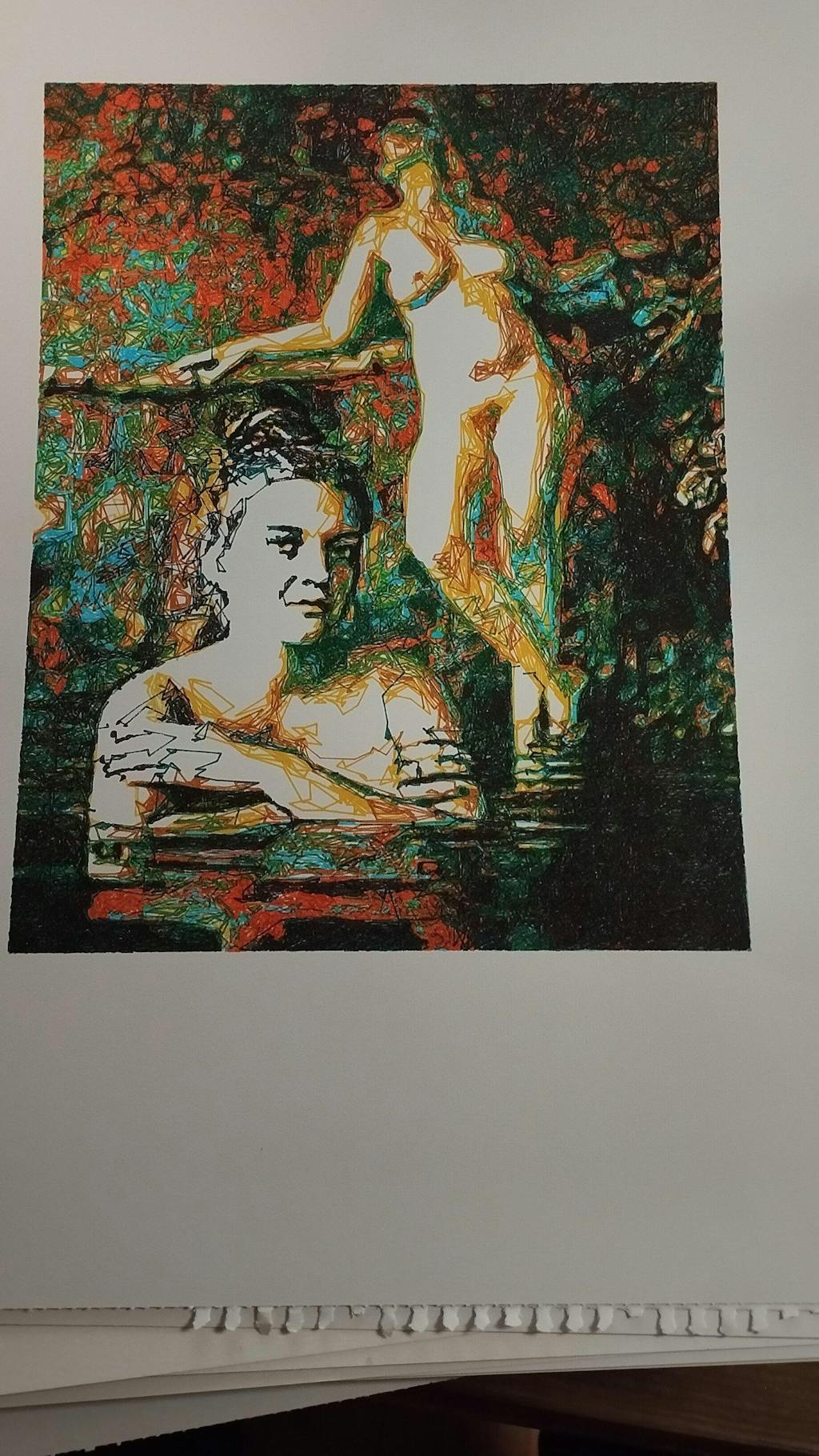
I'm attaching a few pictures of the projects I've created with this plotter so far. It's a fantastic tool and I highly recommend it!
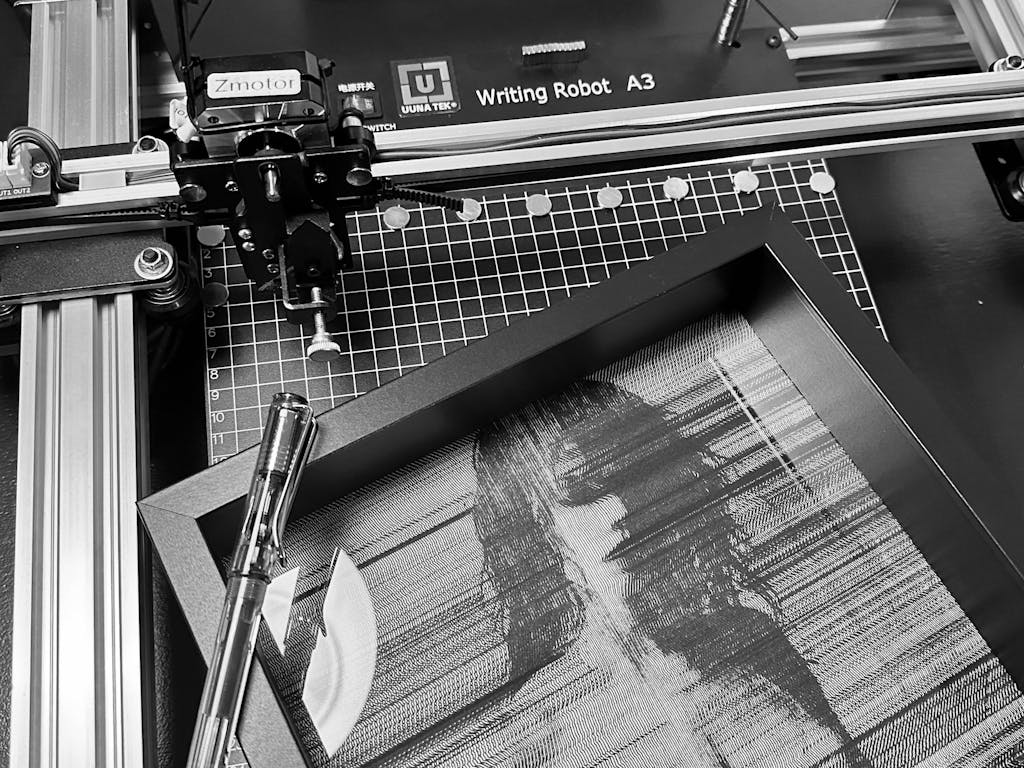
My UUNATEK Writing Robot A3 is pure creative joy packed into a precise little powerhouse. It’s extremely fun to use, surprisingly versatile, and after following a clear tutorial on the UUNATEK website to set up CNCjs on a Raspberry Pi, I now run my iDraw as a fully wireless pen plotter.
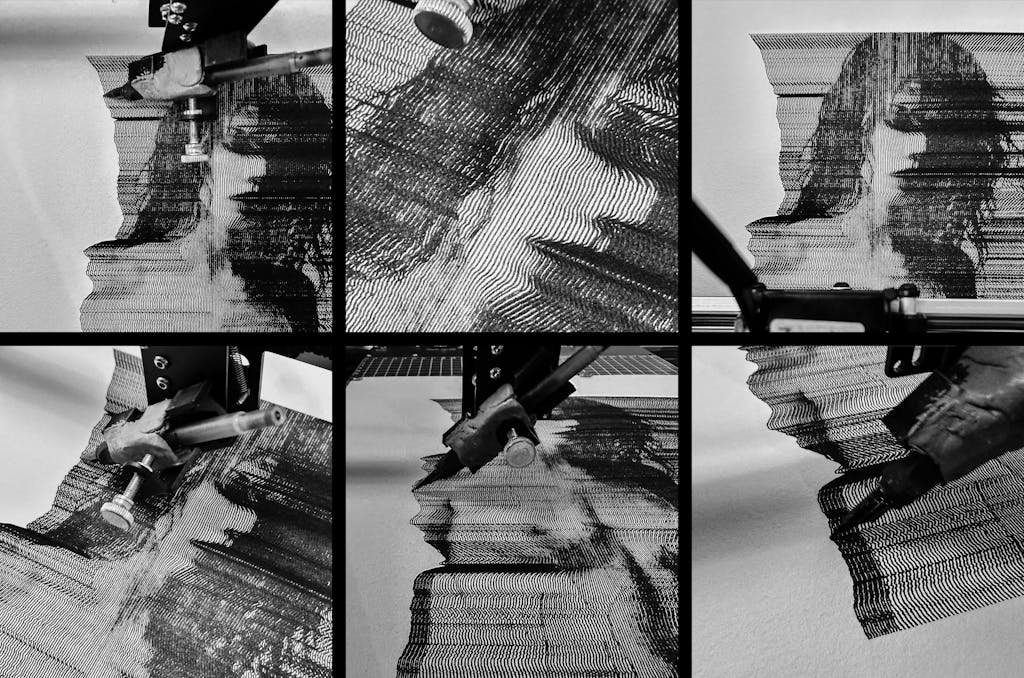
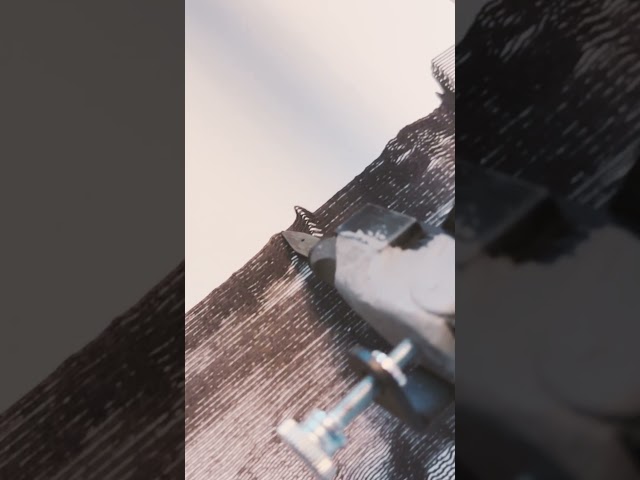
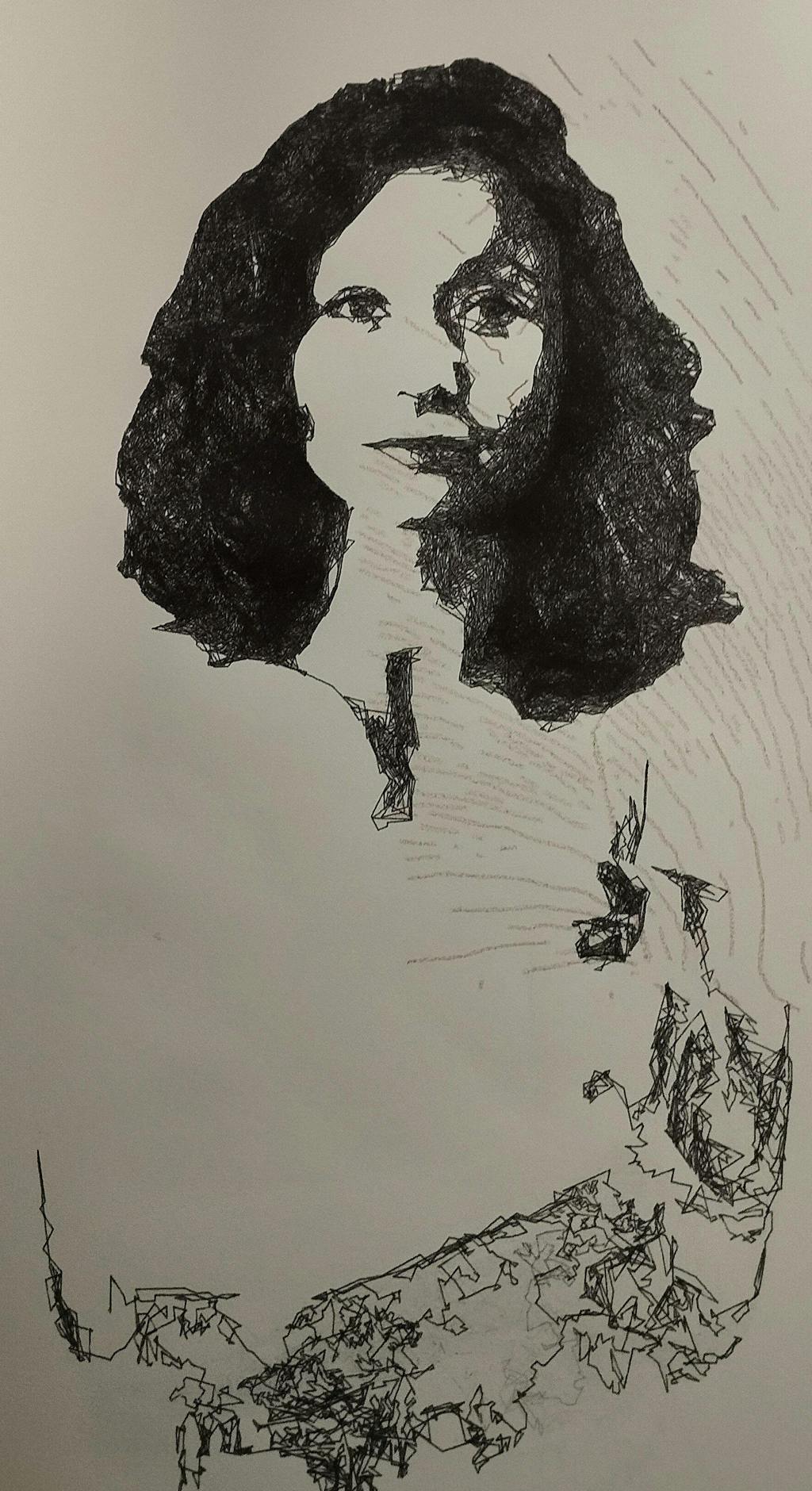
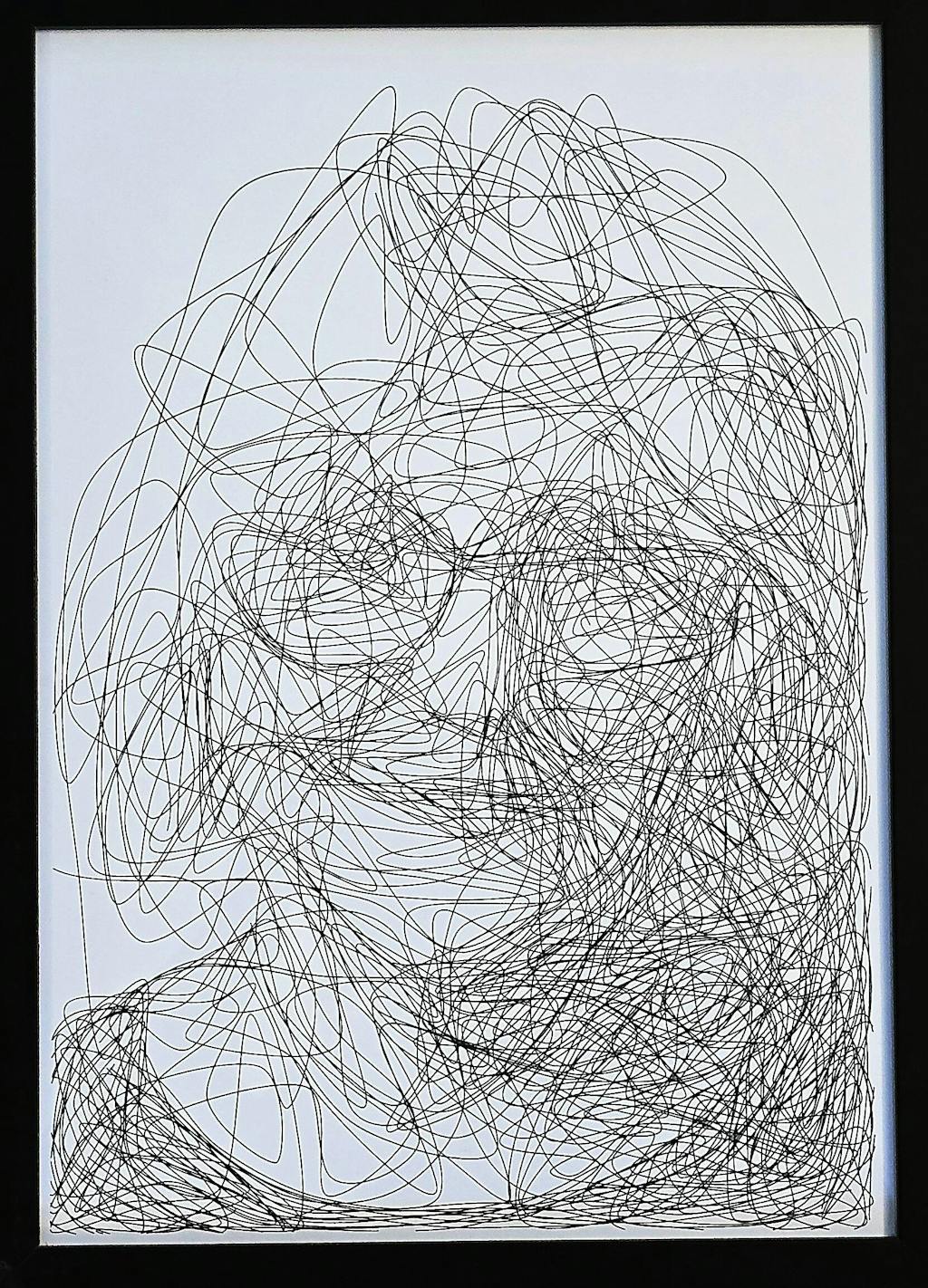
I use this machine to create fast, razor-sharp line-art portraits with a Lamy pen, and the speed and accuracy are impressive. For me, this machine feels like a perfect extension of my studio. It translates digital intention into tactile and expressive drawings. A brilliant bridge between my art and ink.
The product is easy to use. By carefully following the manufacturer's instructions, I was able to install the Inkscape plugin easily. Assembling the plotter is straightforward, but precisely adjusting the baseplate can be tricky. I managed to reduce the unevenness to within +/- 0.1 mm by manually bending the baseplate. I found that if the deviation exceeds this limit, the lifespan of the fine liner pens is significantly shortened because their tips wear down more quickly where the baseplate has a "bump". Therefore, it is recommended to level the plate before using it for the first time.
The plotter is user-friendly, and configuring its operating parameters is simple. At high speeds, the lines may become slightly wavy; however, this issue can be easily resolved by reducing the speed. The device provides a good estimate of the plotting time, making it easier to decide if slower plotting is acceptable.
The home function allows for precise positioning of the pen tips, and you can change the pen several times while working on a drawing. It is very helpful that only select layers can be plotted from the Inkscape drawing.
Overall, I am very satisfied with this product. After carefully setting up the device, one can create highly detailed and precise plots.
Reviews in Other Languages
Super eficaz!
Le prix des traceurs est un facteur essentiel à prendre en compte pour votre décision d’achat. Ne faites pas comme moi : j’avais commencé avec un petit traceur A4 bas de gamme (120 $, en pièces détachées à monter soi‑même). Avec cette machine, je ne pouvais à peine tracer des formats A5 alors qu’elle était censée gérer du A4. J’avais sans cesse des problèmes de calage, la précision laissait à désirer, et trop légère, elle bougeait au moindre mouvement. De plus, elle ne prenait pas en charge les fichiers SVG directement : il fallait passer par un encodage en G-code, un vrai parcours du combattant pour réaliser un dessin. Le résultat était le plus souvent frustrant.
Puis j’ai découvert l’iDraw H A3. Je me suis retrouvé face à une machine totalement différente, bien plus qu’un simple plotter : elle était capable de transformer mes photographies et mes dessins en tracés physiques, précis et vivants. J’étais comme propulsé dans une nouvelle dimension créative. C’était le début d’un chemin où le numérique, la mécanique et l’expérimentation artistique se rejoignent pour former un véritable terrain de jeu et d’exploration.
Cette expérience m’a montré que l’investissement dans une machine de qualité comme l’iDraw H A3 est essentiel. Elle permet non seulement de travailler avec précision et sur de grands formats, mais surtout d’avoir la liberté de se concentrer sur la création et l’exploration artistique, plutôt que sur les problèmes mécaniques. Un investissement qui peut sembler élevé au départ, mais qui se traduit par un gain énorme de temps, de sérénité et de plaisir créatif.
Since working with an Idraw H A3, I have nothing but praise to give to Uuna Tek for their work. It works all the time, every day, always precise, silent and so fast! Super easy to learn, even for beginners, and excellent support. I had already installed the software part and once unboxed, I made my first drawing in a few minutes. THANKS
Depuis que je travaille avec une Idraw H A3, j'ai seulement des éloges à faire à Uuna Tek pour leur travail. ça fonctionne tout le temps, tous les jours, toujours précis, silencieuse et tellement rapide! Super facile à prendre en main, même pour les débutants, et excellent support. J'avais déjà installé la partie logiciel et une fois déballée, j'ai fait mon premier dessin en quelques minutes. Merci